
Local file editing
Open, create, edit, save, and save as text and code files selected by you.
Offline editor for Android
PlainForge opens, edits, and saves local files with a focus on privacy, control, and productivity. No ads, no tracking, no login, and no internet permission.
Core features
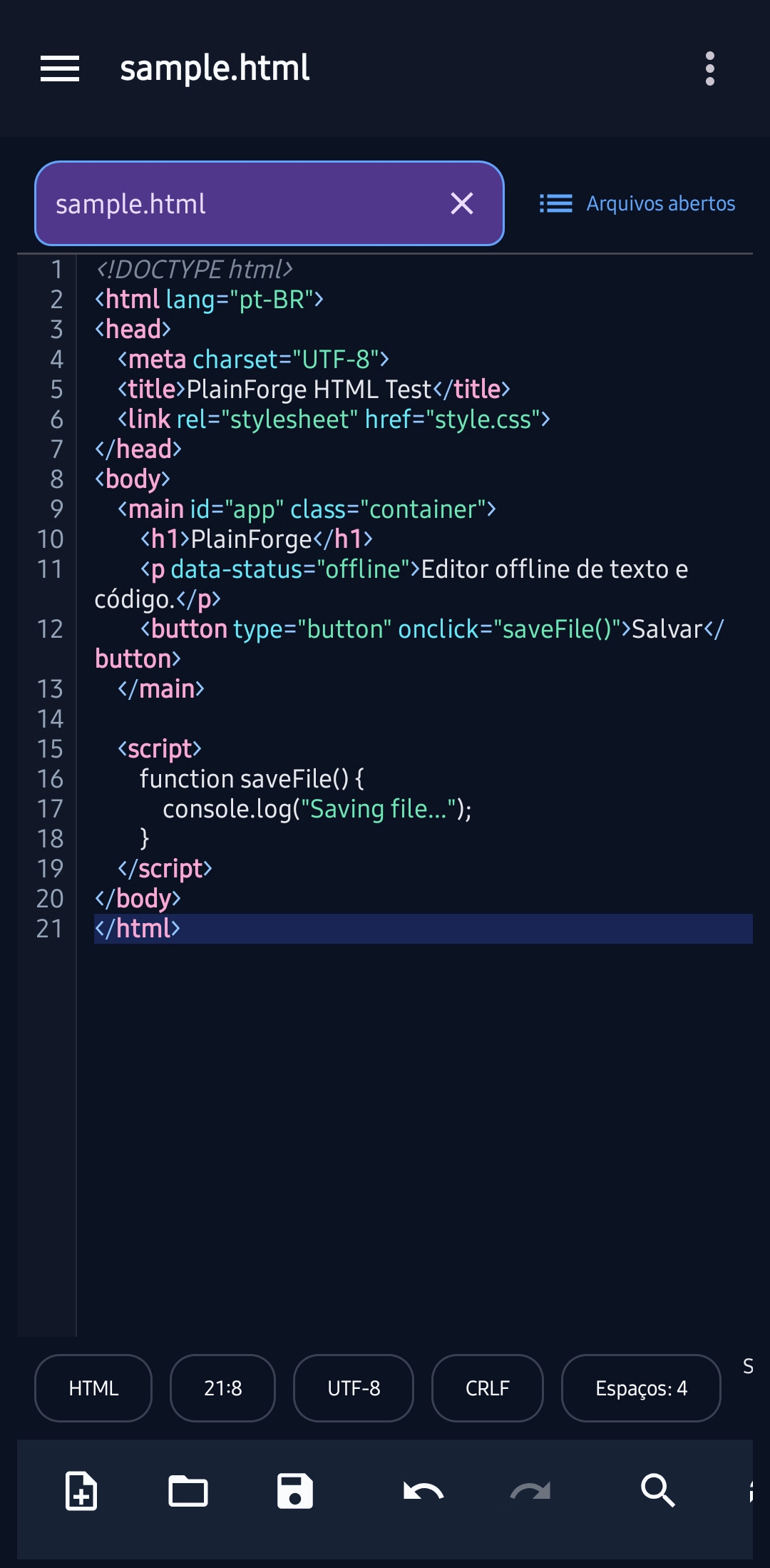
PlainForge handles the essentials carefully: open files, edit with context, find text, save in the right place, and keep preferences on the device.
Open, create, edit, save, and save as text and code files selected by you.
Keep several files open, switch through tabs, and use the open-files panel to recover context quickly.
Use normal, extended, and regex modes, with result counts, selection, whole word, case sensitivity, and wrap around.
Highlight Markdown, XML, HTML, JSON, Kotlin, Java, JavaScript, CSS, Python, YAML, INI, and logs, plus format JSON and XML.
Authorize folders through Android's Storage Access Framework, return to recent files, and mark favorites without broad storage access.
Adjust theme, font, tab size, spaces or tabs, line wrapping, line numbers, trim trailing whitespace, and app language.
See the app in use
Open files, work with tabs, use find/replace, adjust encoding, line endings, and editor preferences without leaving the device.
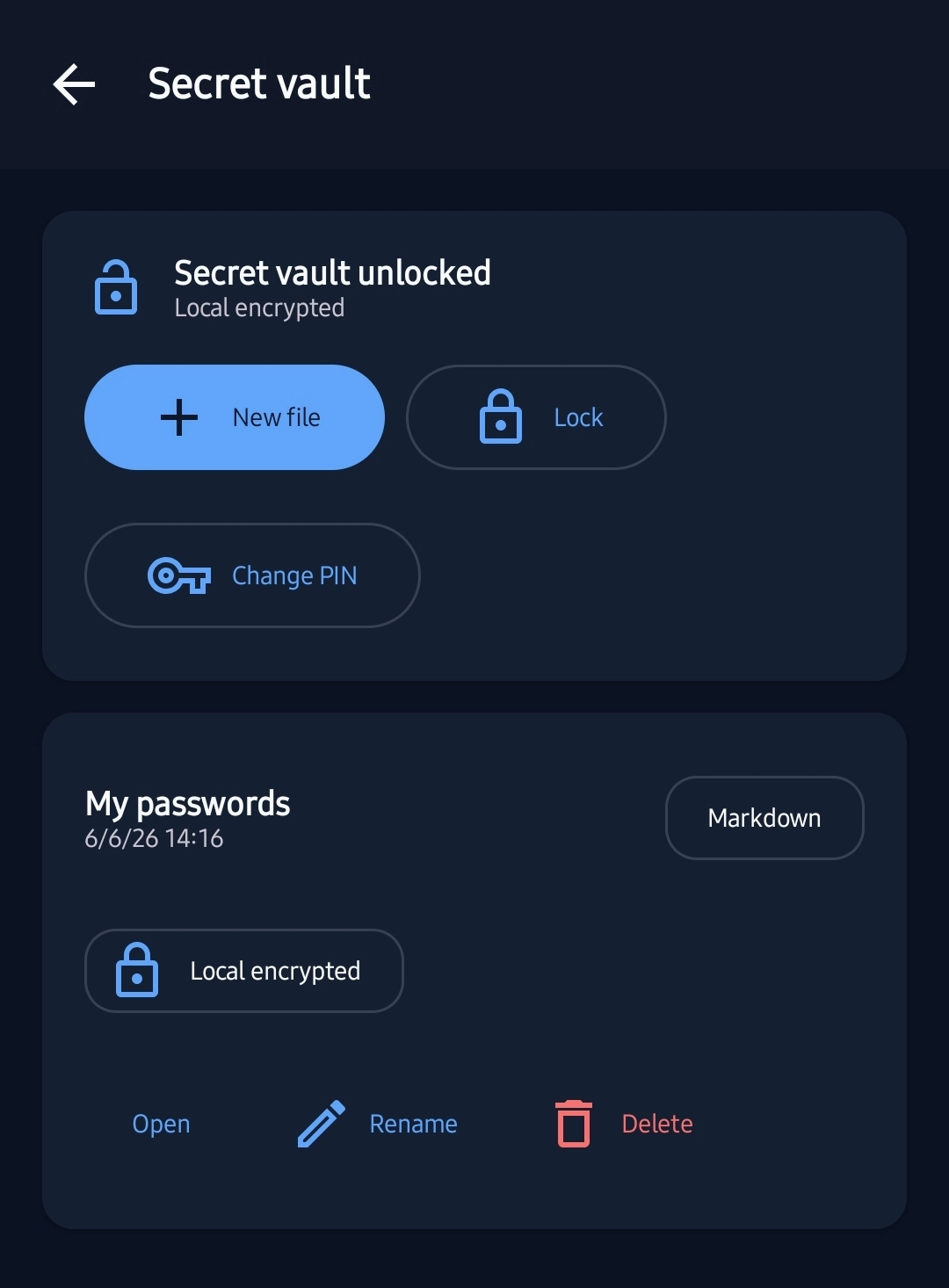
Store private files in a local PIN-protected encrypted vault, with no cloud, no synchronization, and no remote recovery.
Verifiable privacy
PlainForge is designed to work without internet and without telemetry. The app edits local files or files in Android providers chosen by you, without sending file contents to PlainForge servers.
Built for practical work
Review snippets, adjust configuration files, open logs, and fix small files when the computer is not nearby.
Write Markdown, draft technical content, organize notes, and keep simple text files local.
Use a free, offline, focused tool with no advertising, telemetry, registration, or cloud dependency.
Simple workflow
Use Android's picker to open a document or authorize a specific folder.
Use syntax highlighting, find, replace, line endings, encoding, and editor preferences.
Keep the file in the selected provider, with support for saving changes or creating a new copy.
Quick questions
Yes. The app is free and designed with no ads, no tracking, no login, and no in-app charges.
No. PlainForge does not declare the INTERNET permission and does not depend on a connection to edit files.
No. File contents remain on the device or in the document provider you selected through Android.
It creates files inside a local encrypted vault protected by a PIN of at least 6 digits. There is no cloud, synchronization, internet, or PIN recovery.
No. The app uses Android's Storage Access Framework and accesses only files or folders authorized by you.